SocialBuzz Events
Pro Services Guide

How Your Pro Services Profile Works

Your profile helps venues and users discover your services, understand what you offer, view your work, and hire you for events.

Step 1

Build a Strong Profile (Your First Impression)

Your profile is what venues and users see before deciding to follow you or hire you. Make it clear, professional, and complete.
Why this matters
A strong profile builds trust and helps people quickly understand what you do and why they should choose you.
πŸ“Έ
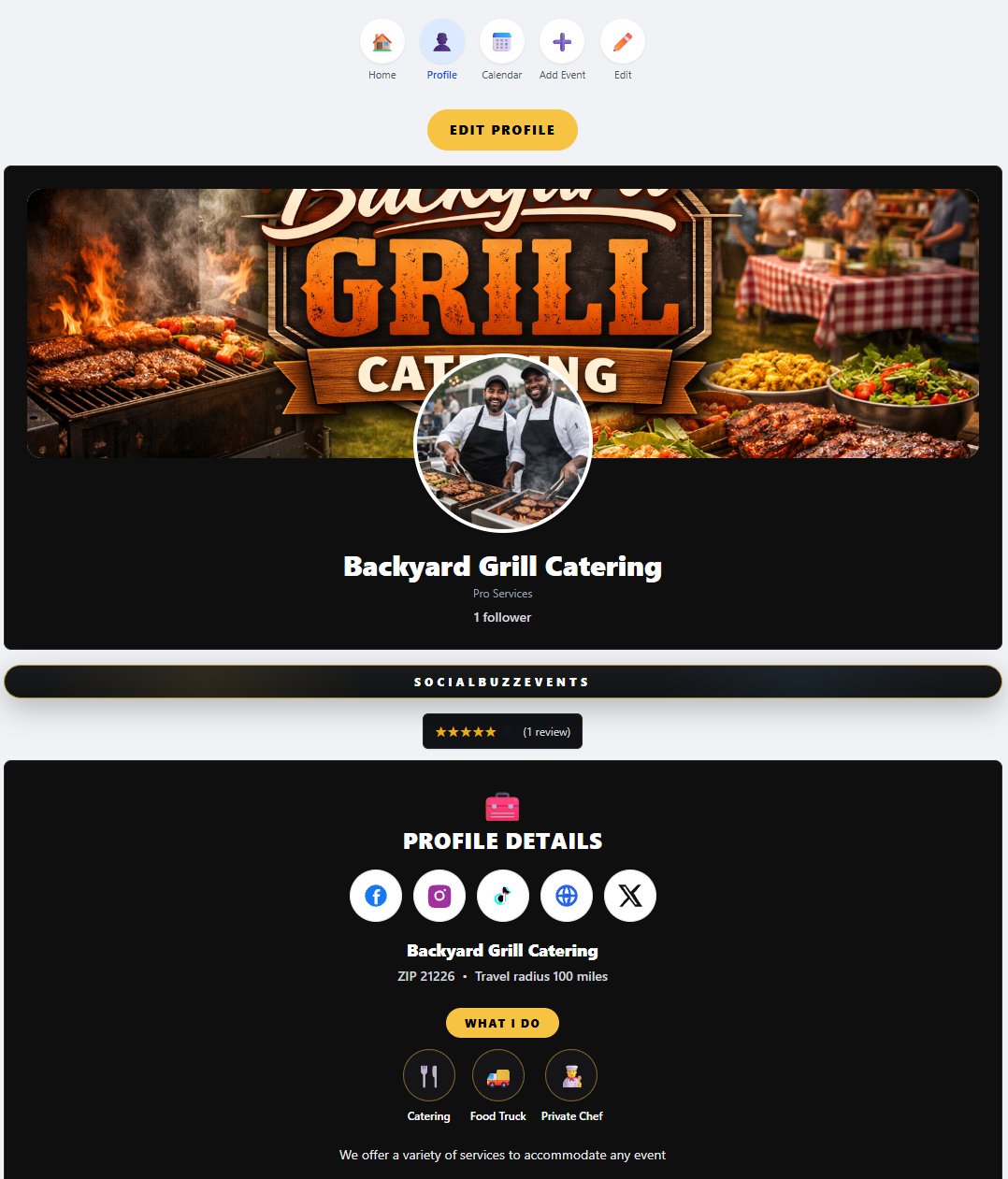
Add a clear profile photo or logo so people recognize your brand.
πŸ–ΌοΈ
Add a cover photo that shows your work (events, setups, clients, results).
✍️
Write a short bio explaining what you do and what makes you different.
πŸ“
Set your ZIP code and travel radius so venues know where you operate.
πŸ”—
Add social media and website links so users can view your work.
Pro services profile setup
Step 2

Select Everything You Offer

Your categories and services tell the system where to show you. This is how venues and users find you in search.
Why this matters
If you don’t select it, you won’t show up for it. Be thorough so you appear in more searches.
πŸ› οΈ
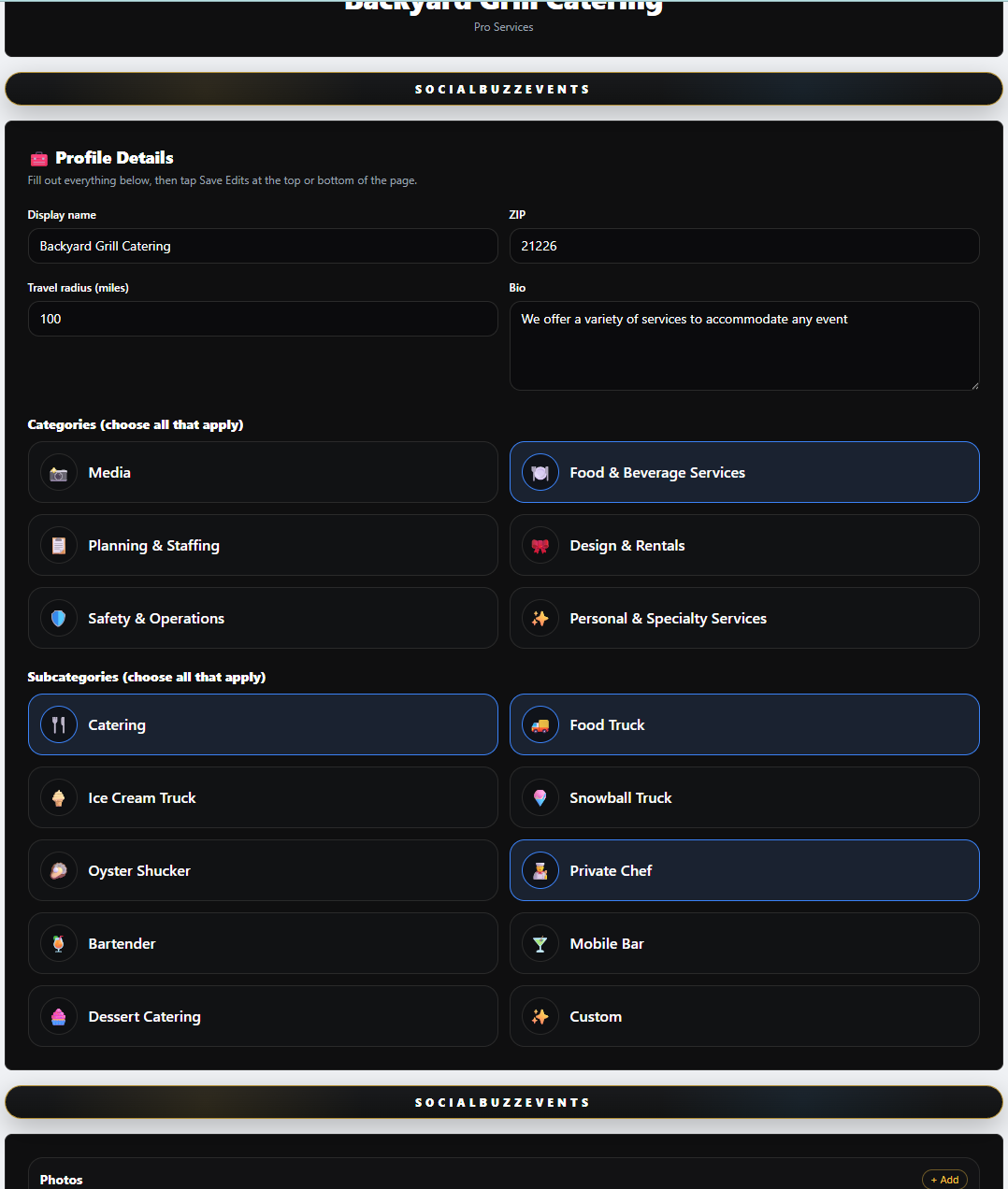
Select all services you offer (catering, photography, bartending, DJ services, etc.).
🎯
Choose all relevant subcategories to increase visibility.
πŸ“
Your selections power the search engine results.
πŸ”Ž
You appear when venues search for specific services.
πŸš€
The more accurate your selections, the better your reach.
Pro services categories and subcategories
Step 3

Showcase Your Work (Photos, Videos, Content)

This is where you prove your value. Show what you’ve done so venues feel confident hiring you.
Why this matters
People hire based on what they see. The more you show, the more likely you get booked.
πŸ“Έ
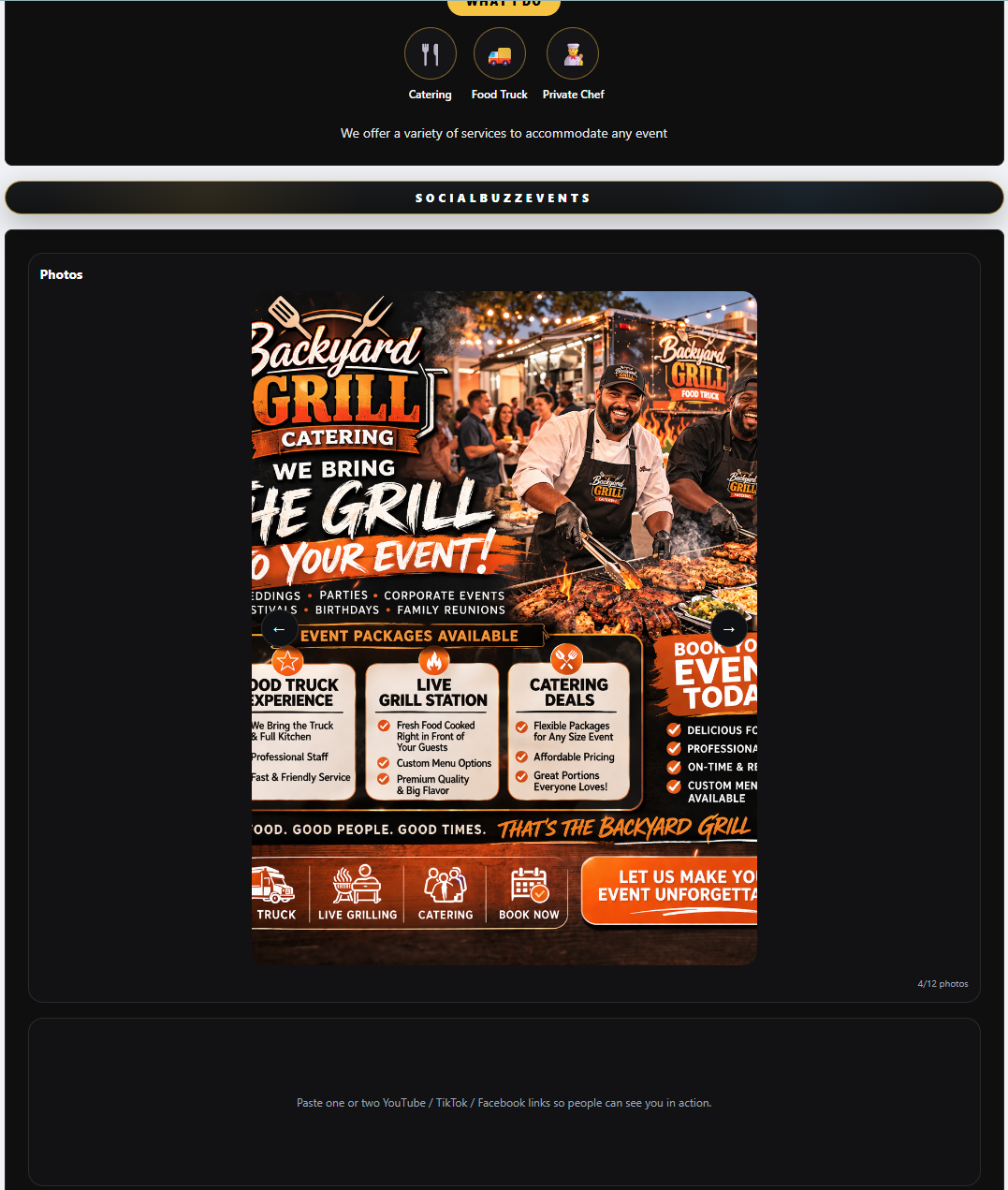
Add photos of past events, setups, and completed work.
πŸŽ₯
Upload videos showing your services in action.
🧾
Add flyers, promotions, or service examples.
πŸ’¬
Use captioned content to explain your work.
πŸ”₯
The more content you add, the more professional you look.
Pro services photos and videos
Step 4

Create Events & Get Tagged

Events are not just for venues. When you’re connected to an event, it shows on your profile too.
Why this matters
Being attached to events increases visibility and shows real-world activity.
πŸ“…
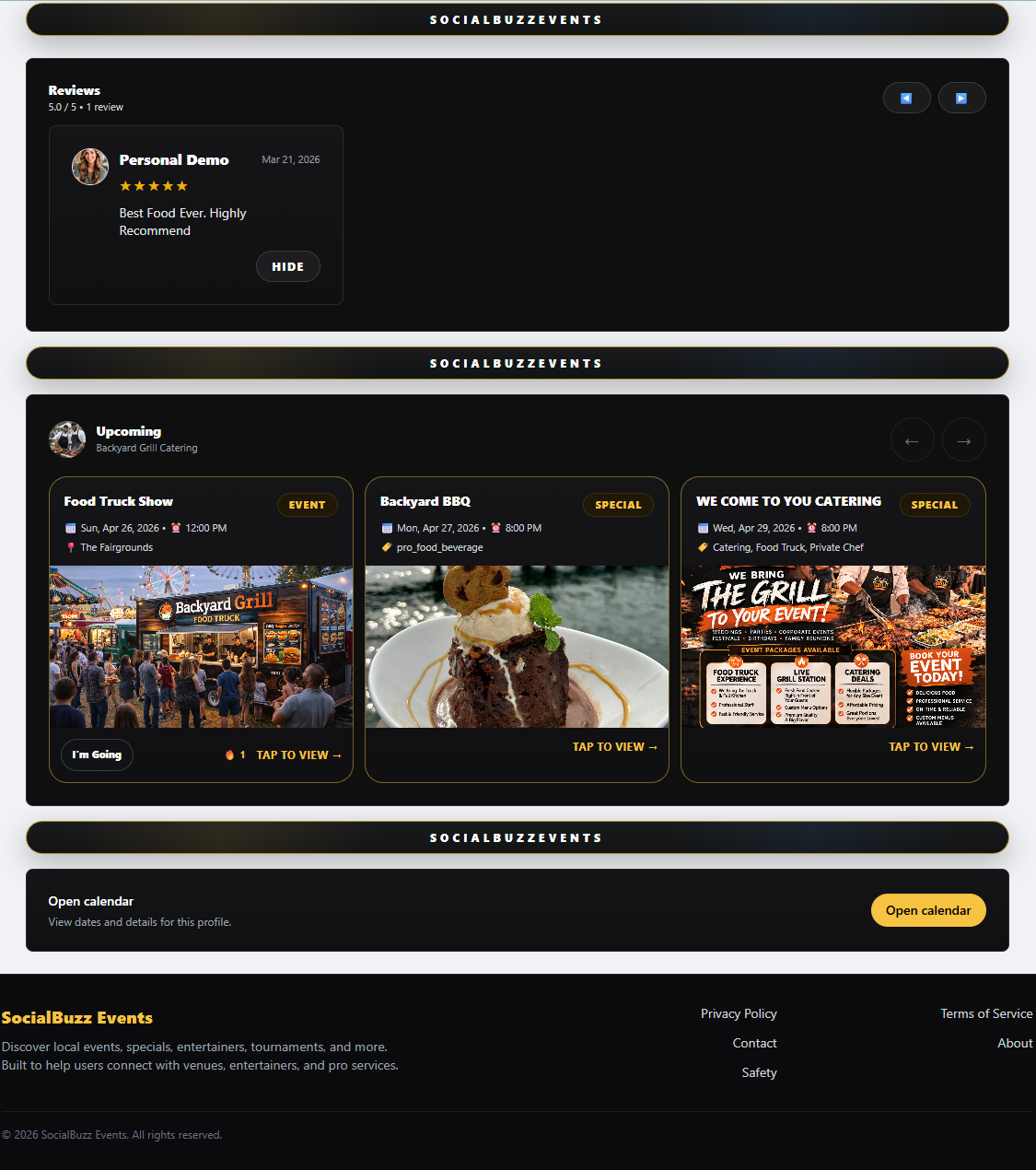
Get tagged in events by venues you work with.
🀝
Approve events so they show on your profile.
πŸŽ‰
Appear on both your profile and the venue’s profile.
πŸ“ˆ
Gain exposure from every event you’re part of.
πŸ”₯
More events = more visibility.
Pro services connected events
Step 5

Be Available for Hire

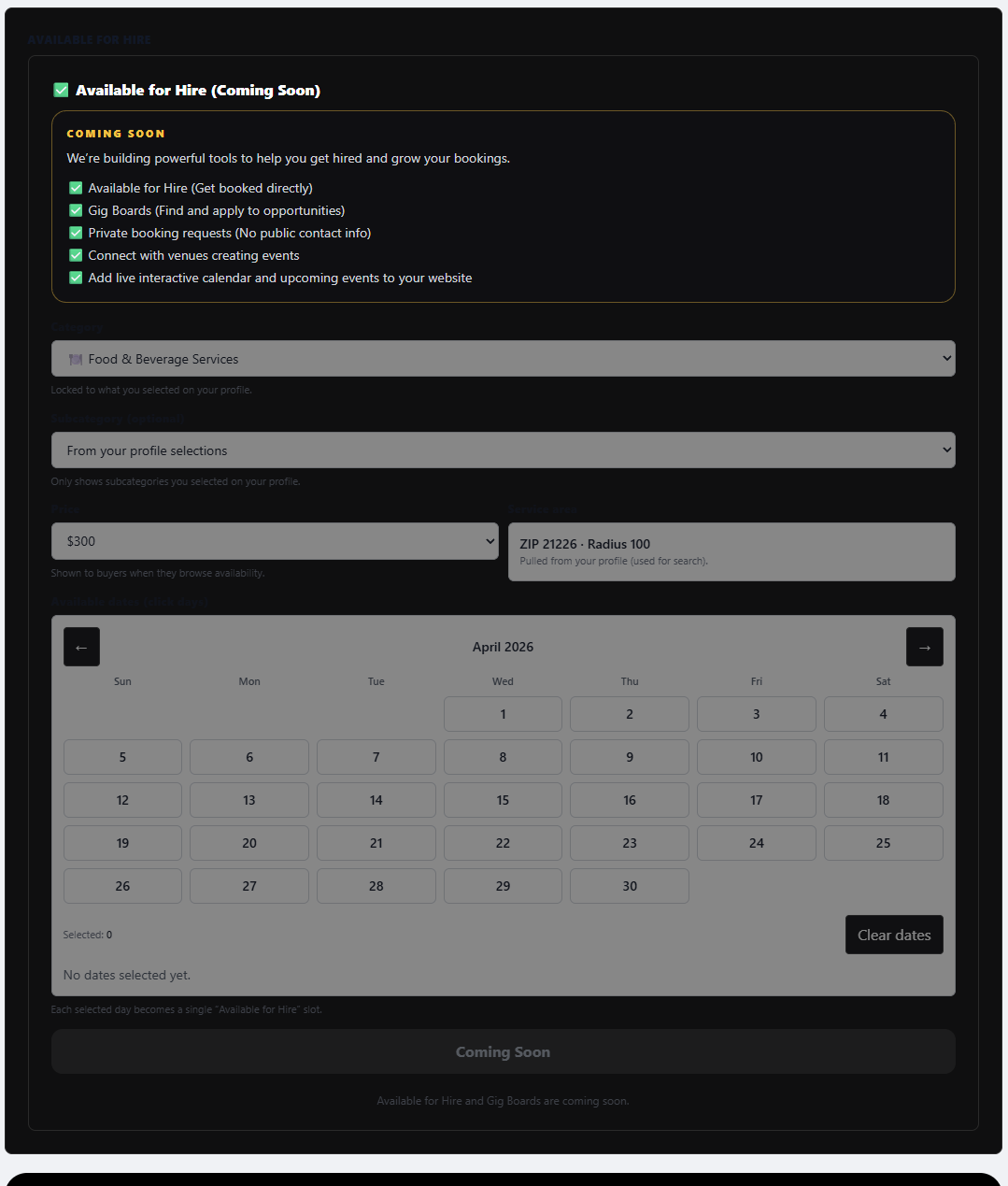
Your profile shows when you’re available so venues can reach out and book you.
Why this matters
Availability makes hiring fast and easy β€” no back and forth needed.
πŸ“†
Mark yourself available on your calendar.
πŸ’¬
Venues can send booking requests.
⚑
Accept or decline requests quickly.
πŸ”’
Chat opens after booking is accepted.
πŸš€
Makes hiring simple and fast.
Pro services availability
Step 6

Get Discovered Everywhere

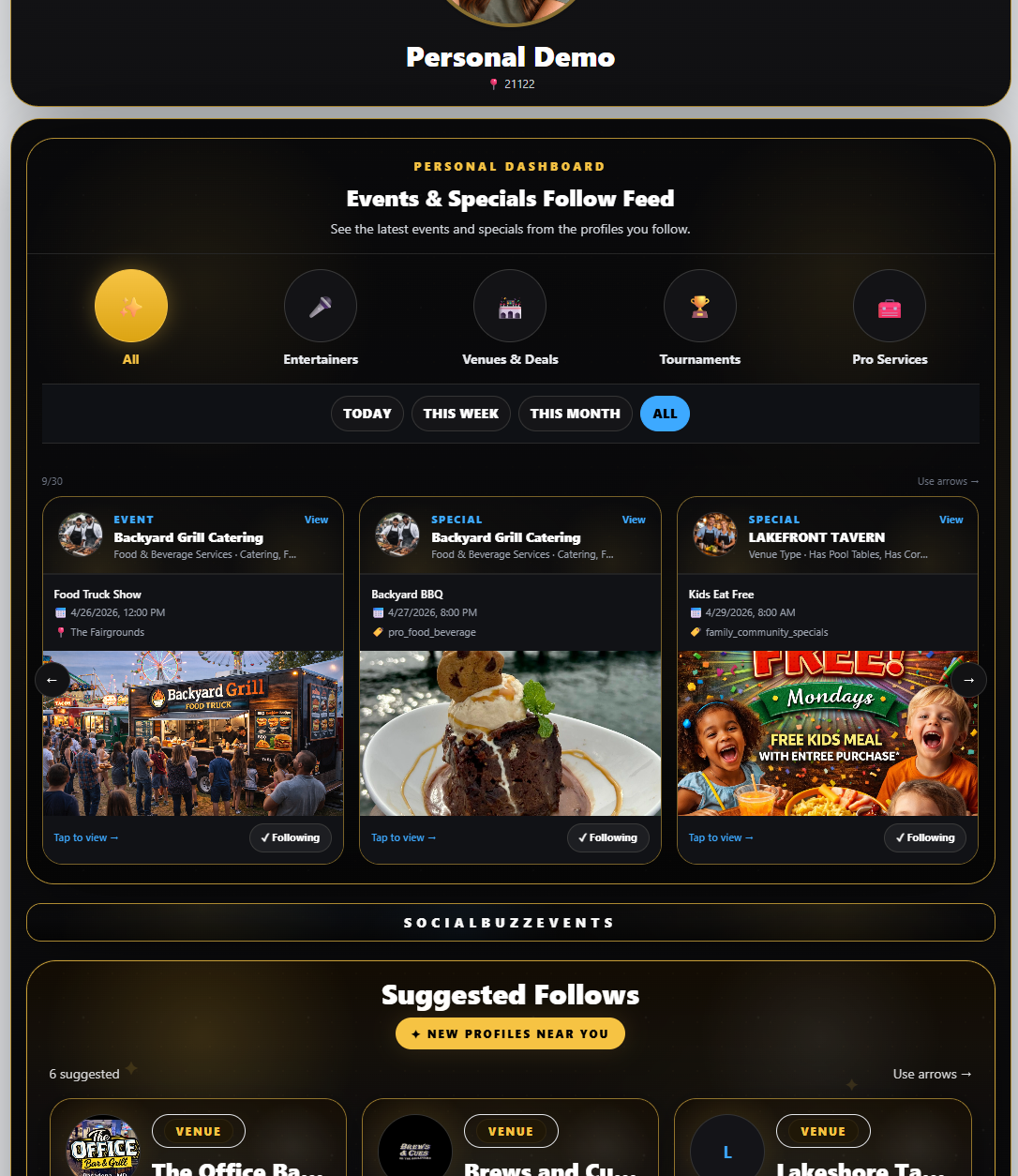
Your profile doesn’t just sit there β€” it appears across the platform when users search or follow.
Why this matters
Everything you add increases your visibility across the entire system.
πŸ“’
Appear in Events & Specials Search.
πŸ”Ž
Show up in Profile & Amenities Search.
πŸ‘₯
Get followers who see your updates.
πŸ“²
Appear in Suggested Follows.
πŸ”₯
Build a real audience over time.
Pro services discovery
Coming Soon

Gig Boards & More Opportunities

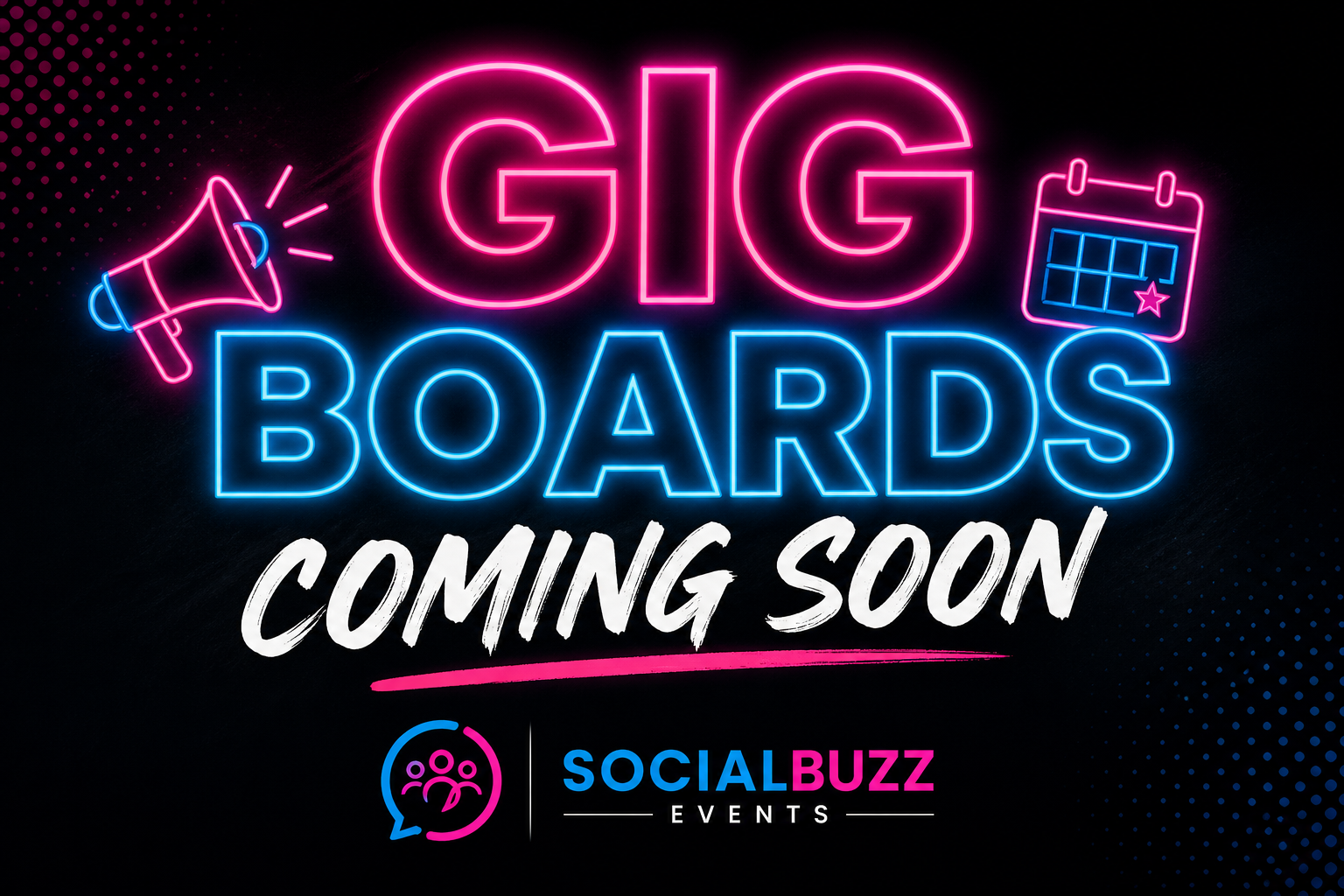
We’re building tools to connect you with even more work.
Why this matters
The goal is simple β€” more visibility, more bookings, more income.
πŸ“Œ
Gig Boards to find available jobs.
πŸ“
Search gigs by location and date.
🀝
Direct booking connections with venues.
πŸš€
Faster hiring process.
πŸ’Ό
More opportunities without extra work.
Pro services future features
See What Other Profiles Do